
Many Paths Lead to Rome, Accessing the MailStore Archive
In MailStore, Technical Support Engineer Ronny Janssen explains, "After purchasing MailStore Server, IT managers will eventually want to know how their users can access the email archive. From the various options provided by our software, the issue is selecting the most suitable access method according to the needs." To provide companies with the best possible support for implementing a high-acceptance, seamless email archiving solution, MailStore Server offers the following options for accessing the email archive:


Accessing the Archive via Microsoft Outlook Integration
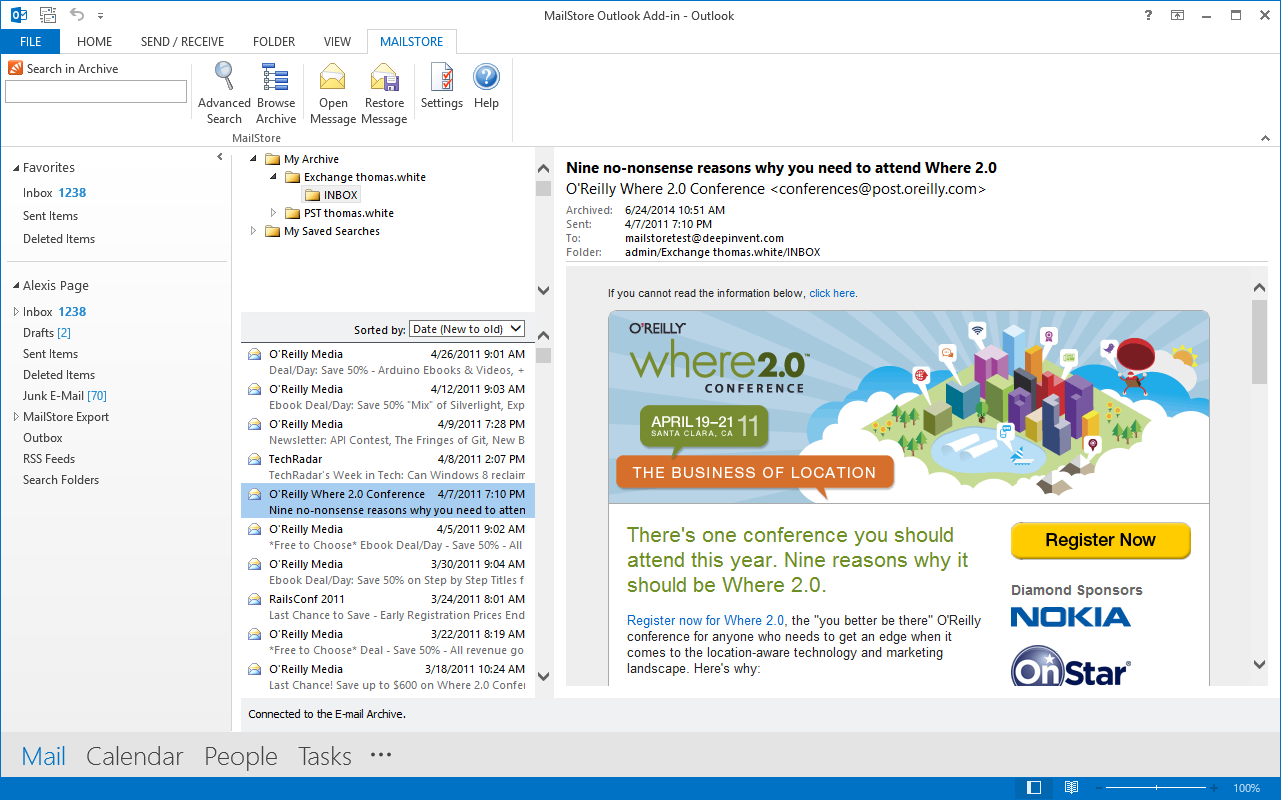
The most commonly used way to access the archive is via MailStore's Outlook Add-in, which is available for all standard versions of Outlook. The advantage of this option is that Outlook is the most common email client, allowing users to continue working in their familiar email environments. Since this option is fully integrated into the user interface, users will not notice any changes in their workflow. Emails can be dragged and dropped back into the local Outlook environment from the archive. The IT administrator can deploy the Outlook add-in simultaneously on several machines via a group policy, although manual installation is also possible. The Outlook add-in should be configured to ensure that access to the archive always occurs via a secure HTTPS connection.
- MailStore Outlook Add-in Guide
Browser-Based Access via MailStore Web Access
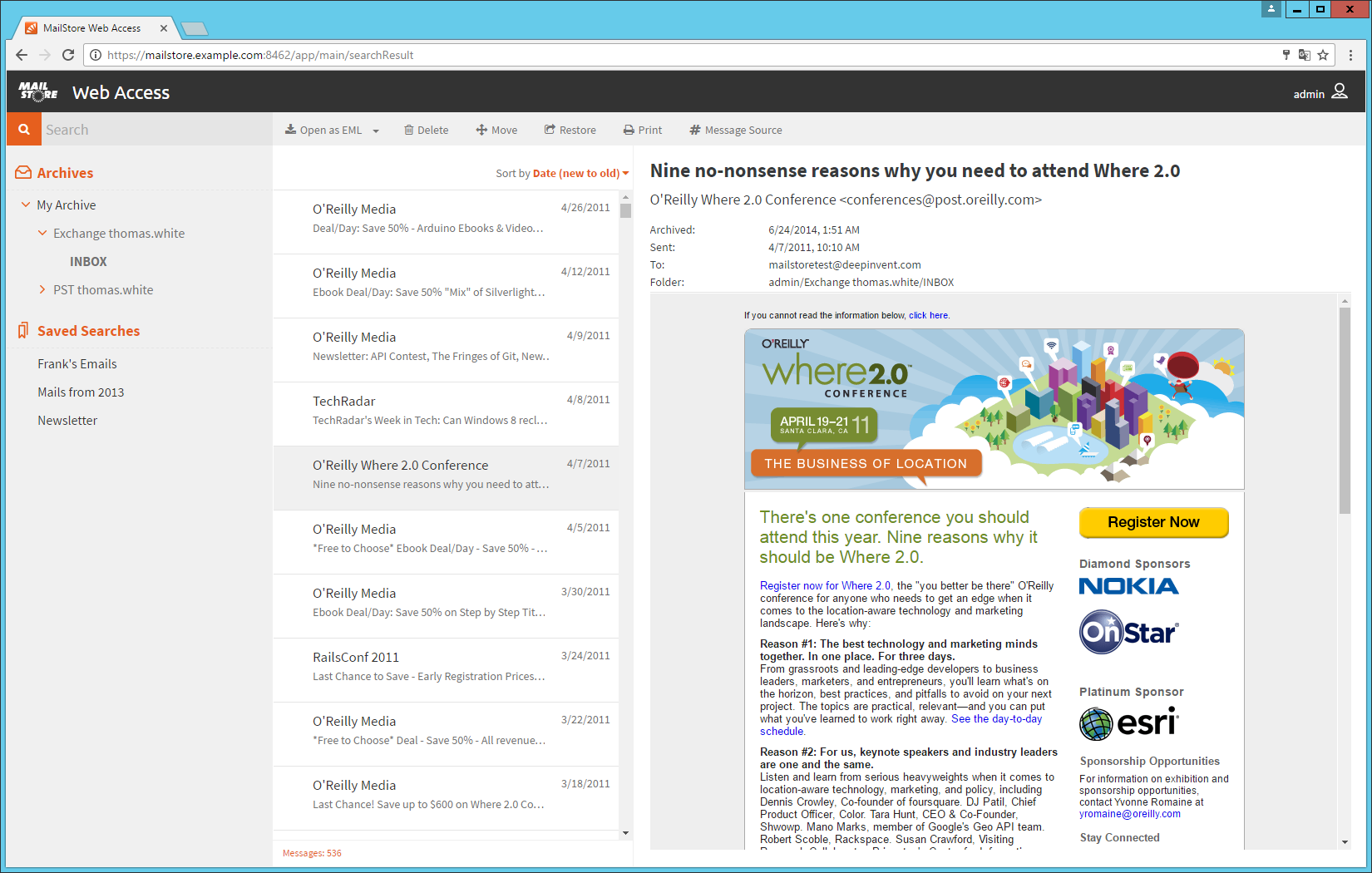
An increasing number of employees are using mobile work methods. For this reason, MailStore Server and MailStore SPE are equipped with a sensitive web access that can only be used via a secure HTTPS connection. Archived emails can be accessed on any device, regardless of screen size, operating system, or browser. This is particularly interesting for companies that use alternative operating systems such as macOS and Linux. Mobile users with the appropriate privileges can move and delete emails within the archive. Web Access also has a restore function: users can click on the Restore icon in the toolbar to send the displayed email to any email address and thus restore it from the archive.
- MailStore Web Access Guide
Accessing the Archive via MailStore Client Software
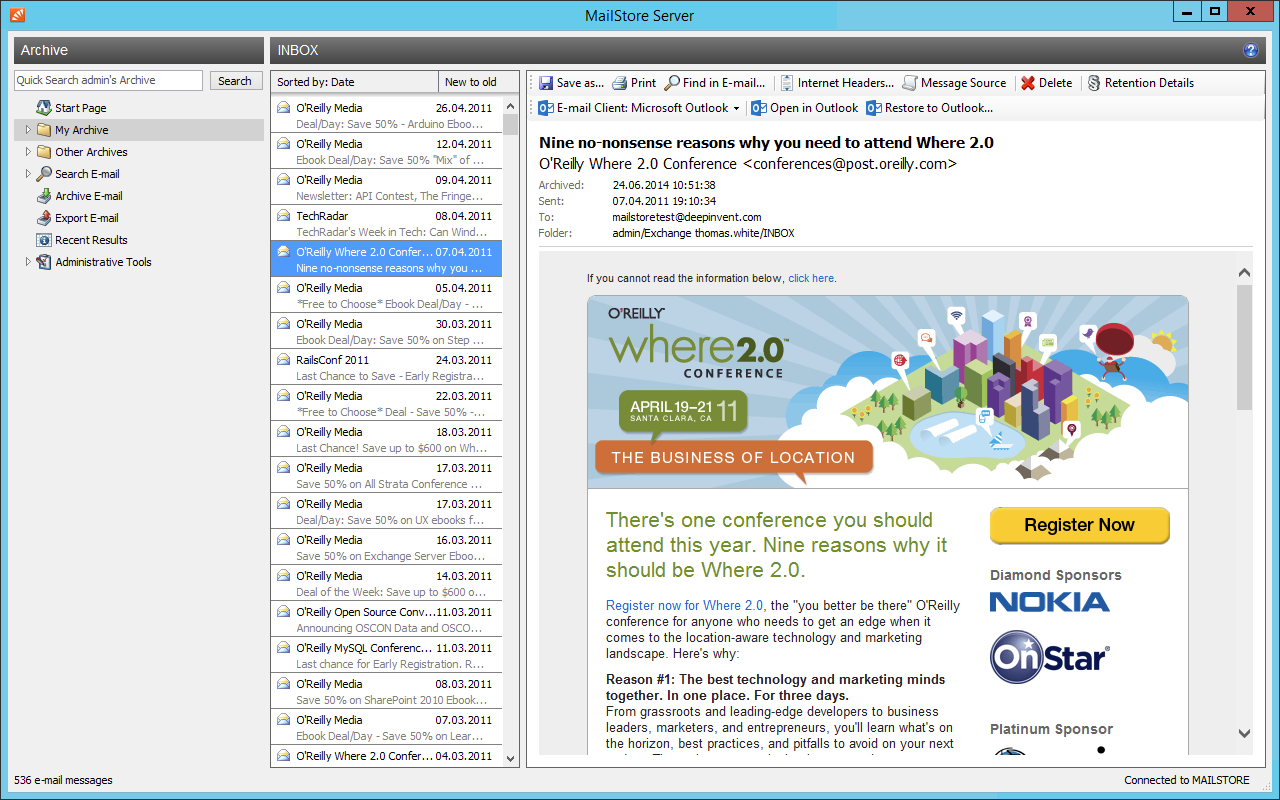
MailStore Client is a Windows application that can be installed on any number of user machines, either individually or via group policy, regardless of the number of licenses purchased. Among all options for accessing the archive, MailStore Client offers the broadest functional scope. Users can not only view and read their emails but, subject to privileges, can also configure and execute archiving and export tasks. The MailStore Client software is recommended for employees who wish to locally archive their email programs (such as Outlook or Thunderbird) and for administrators of email archiving software.
- MailStore Customer Guide
Other Email Clients? No Problem
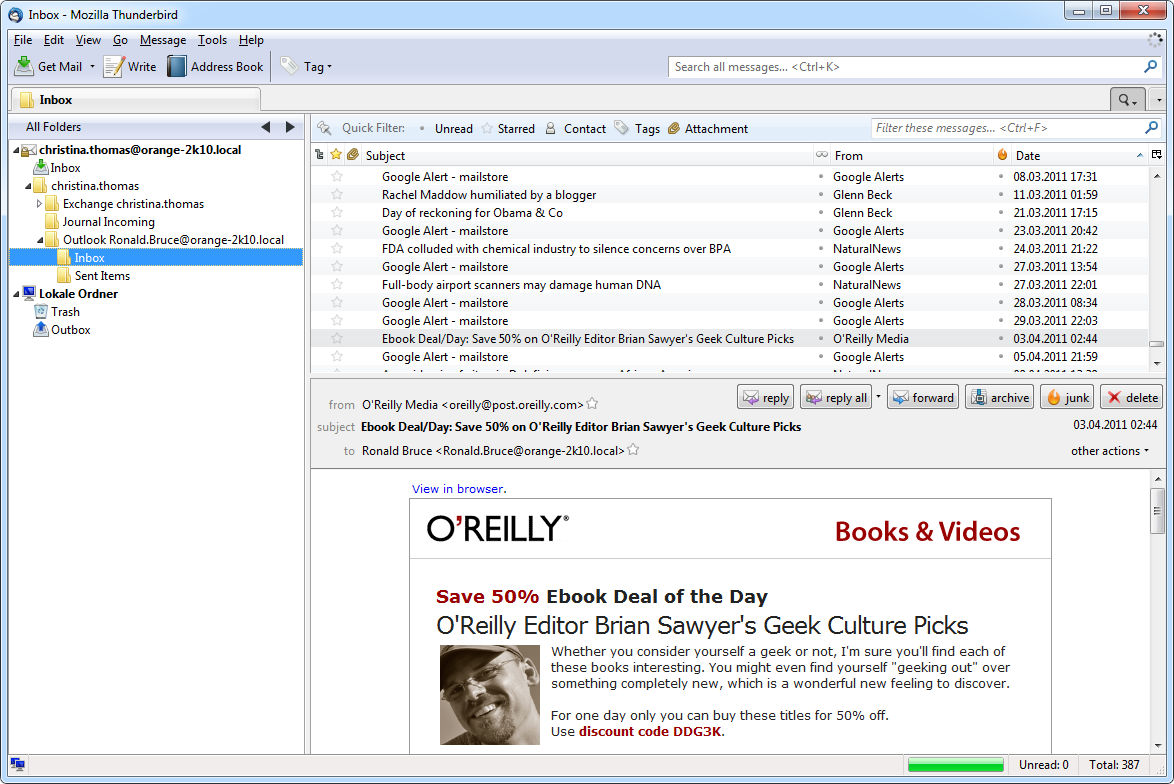
MailStore Server also has an integrated IMAP server that allows read-only access to the MailStore archive via a TLS-encrypted connection from any email client with IMAP features. This is a very suitable way for alternative email clients such as Mozilla Thunderbird under any operating system (e.g., macOS or Linux) and mobile platforms (Android, iOS) to access the archive.
- MailStore Integrated IMAP Server Guide
The Proof of the Pudding...
Ronny Janssen says, "I would recommend MailStore Server to any IT manager or general manager who is interested in archiving emails." "Past experience shows that this can be very helpful when making decisions. My colleagues from the support team and I would be happy to give you advice on choosing the right access options for your company's needs."
Before deploying MailStore Server and considering the email archive access options, a company should choose a preferred archiving strategy. Our video in the Technical Tips series will provide you with the most important details.
Source: Many Ways to Rome: Accessing the MailStore Archive - MailStore